Arbor
Visit itsarbor.comOverview
Gear as a connected ecosystem, not a list of products.
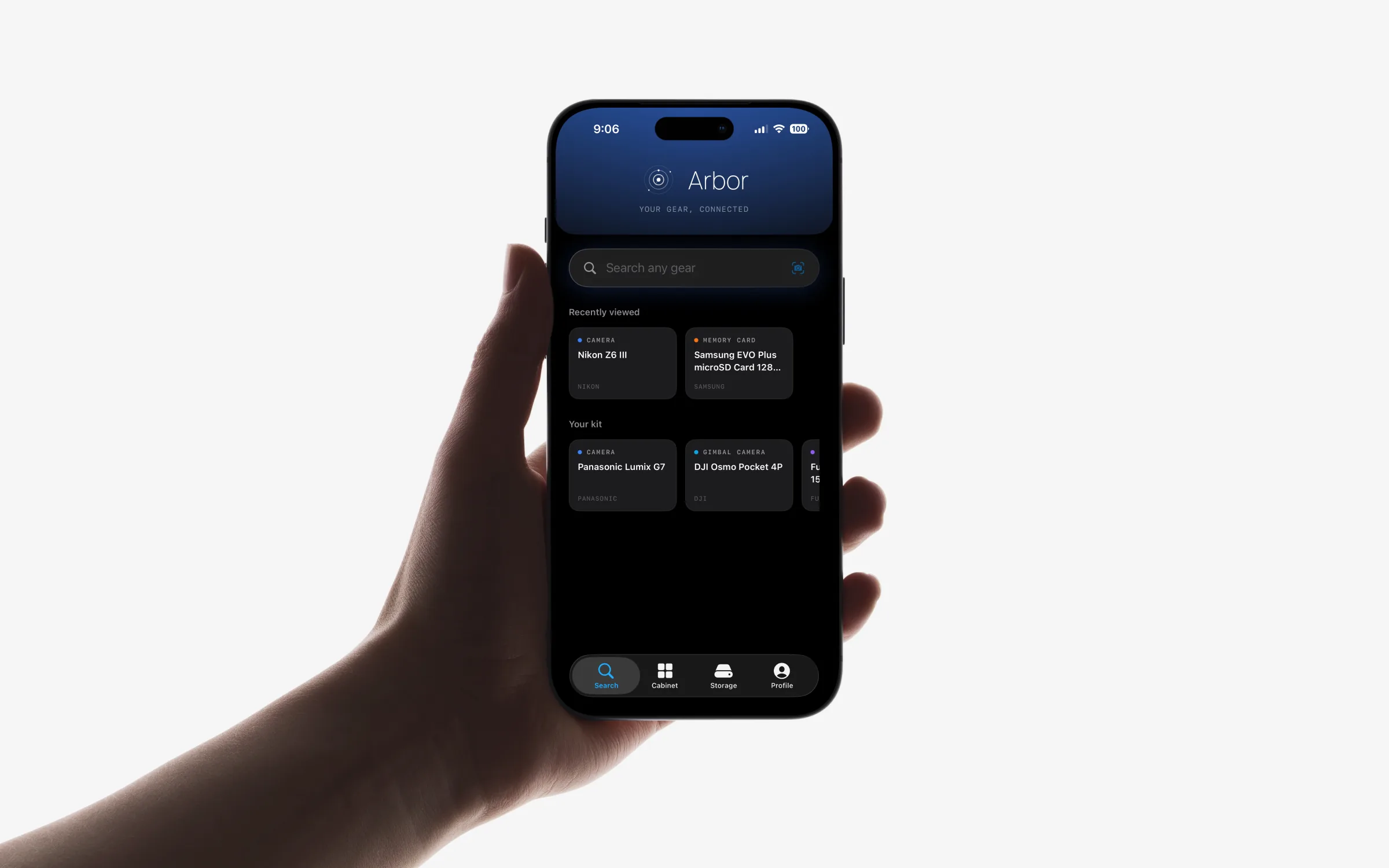
Arbor is a personal inventory system for photographers and creators. It helps you catalogue your equipment, understand how it fits together, keep a living record of what you own, and make better buying decisions because of it. Where a spreadsheet or notes app just stores rows, Arbor treats your kit as a connected ecosystem: bodies, lenses, cards, and accessories that relate to one another.
I designed, branded, and built it end to end, from the first sketch to a shipping iOS app.
The Problem
The bigger your kit, the harder it is to keep straight.
As a collection grows, a set of small frustrations compounds: remembering everything you own, tracking what's compatible with what, avoiding duplicate purchases, knowing which accessory fits which body or lens, and keeping any of it current over time.
The compatibility question is the sharpest of them. Before nearly any purchase there's the same anxious research (does this fit my body, will this card keep up, does this adapter cost me autofocus), answered across spec sheets, forums, and half-remembered details about gear you already own. Most tools that exist track assets; almost none help you understand your gear.
Research
The idea was really simple.
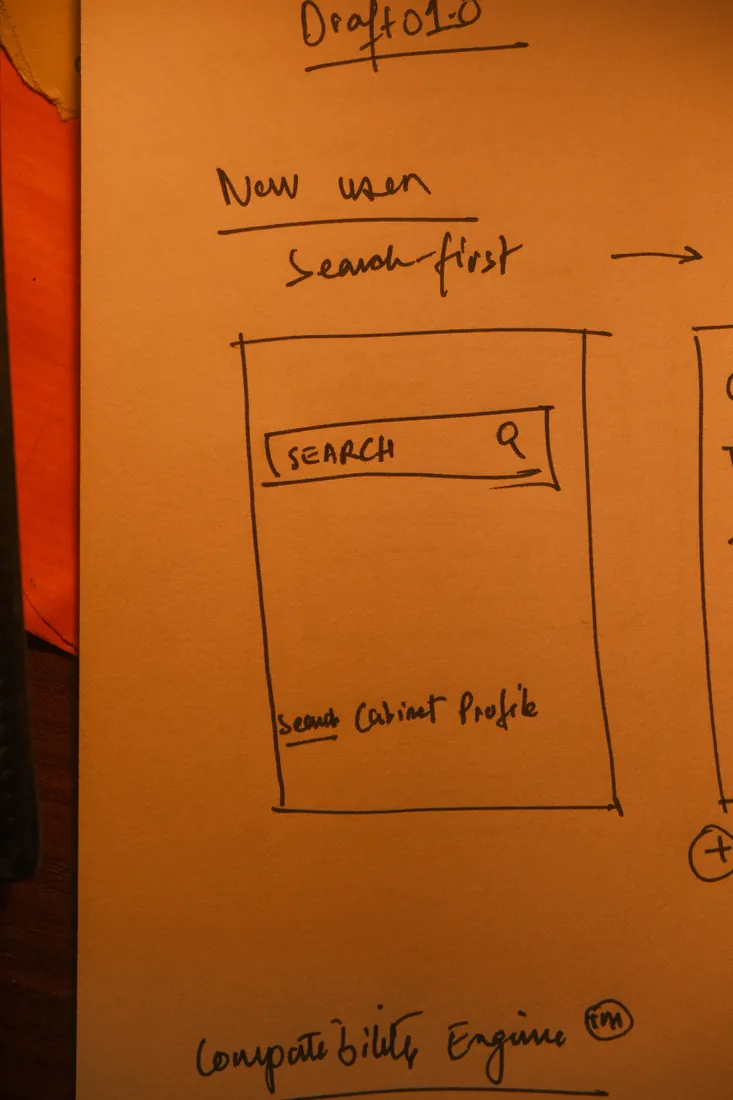
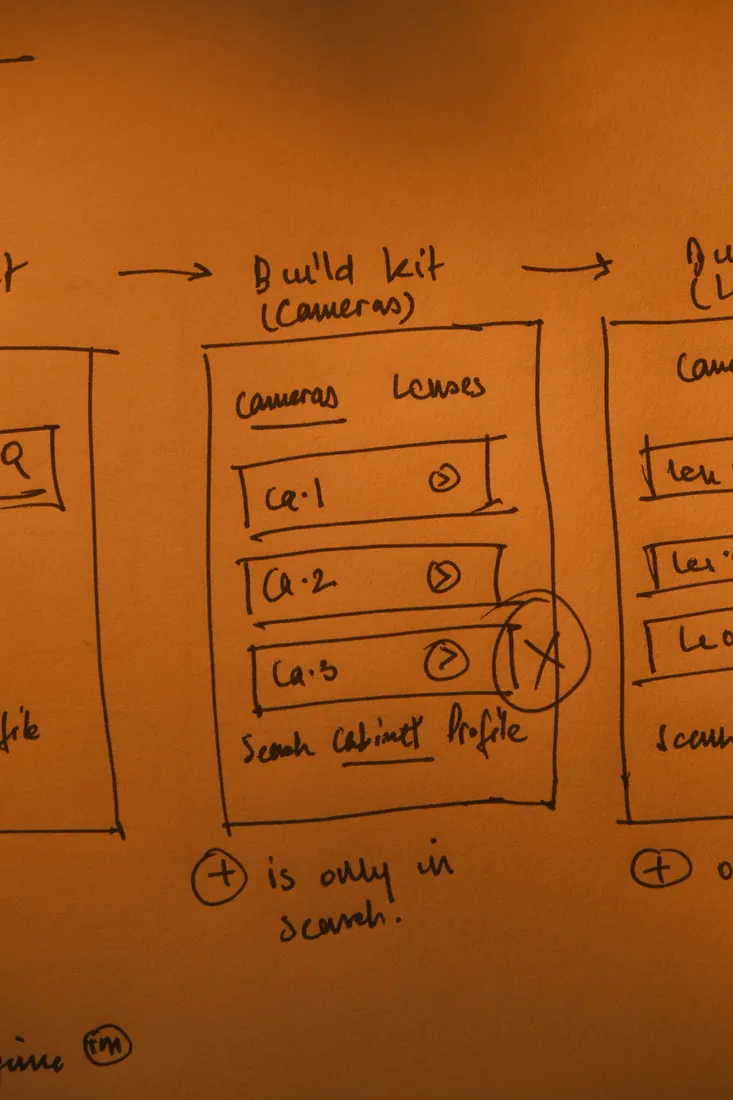
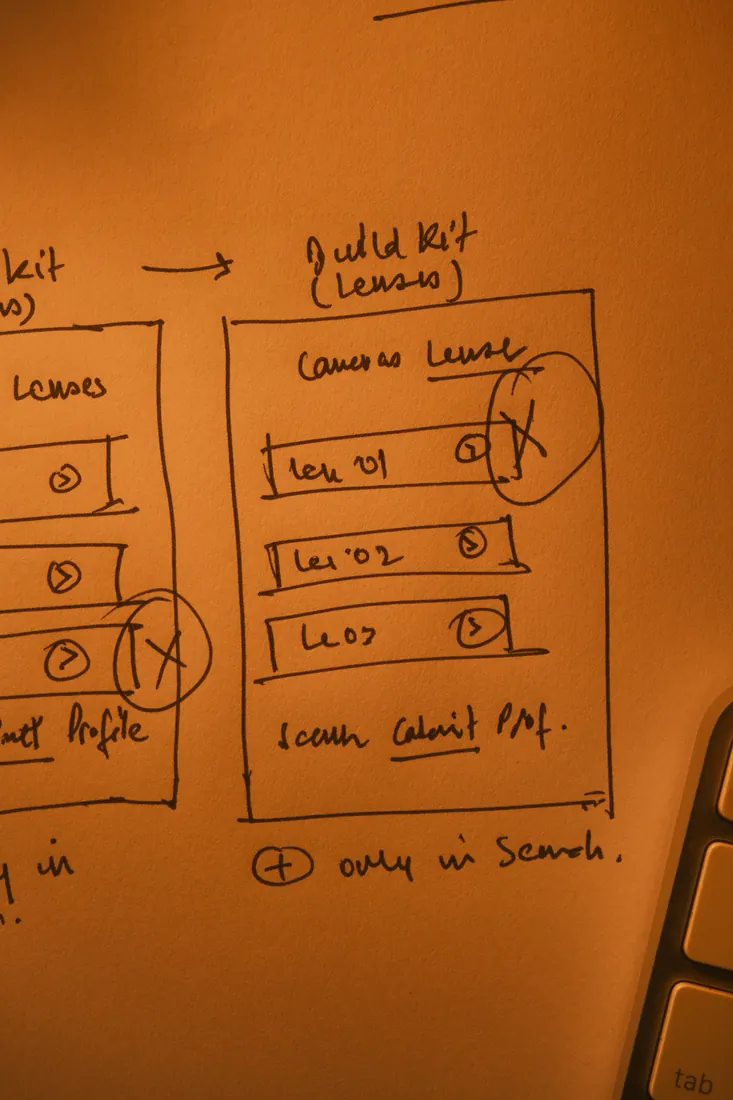
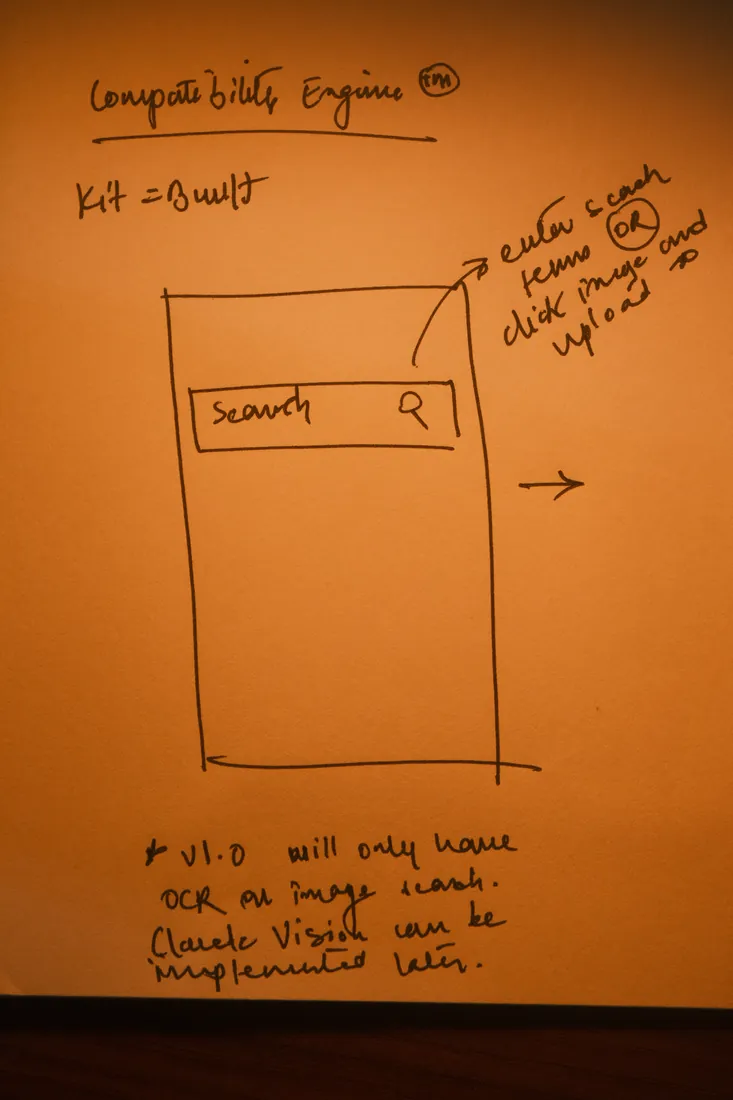
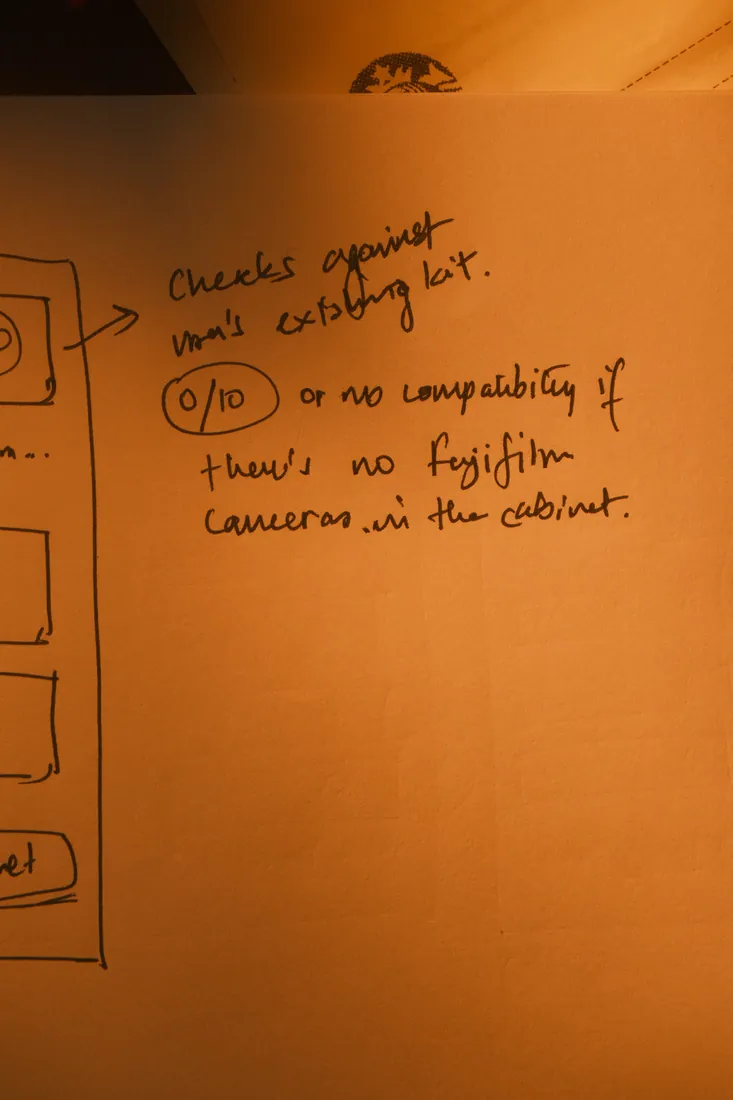
Give a place for users to store information about what they already own, and then give them a space to look for new gear and check for its compatibility against what they already own. It's inventory management + the Compatibility Engine.
The Compatibility Engine
Built to understand the nuances of your kit.
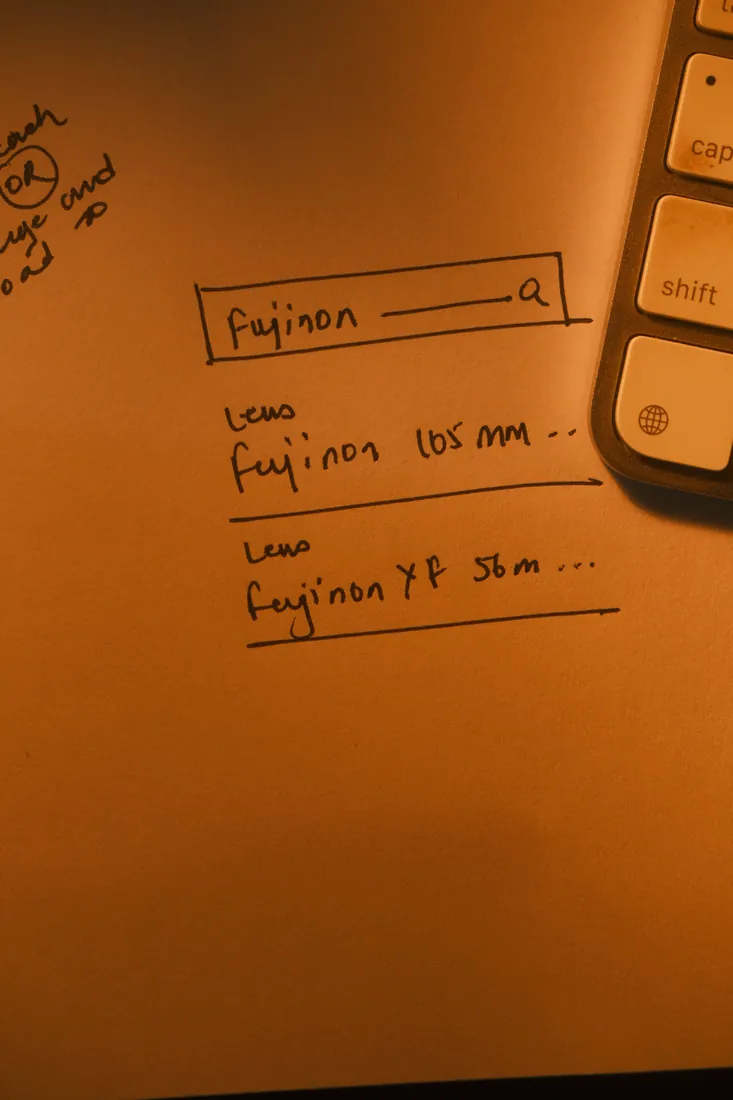
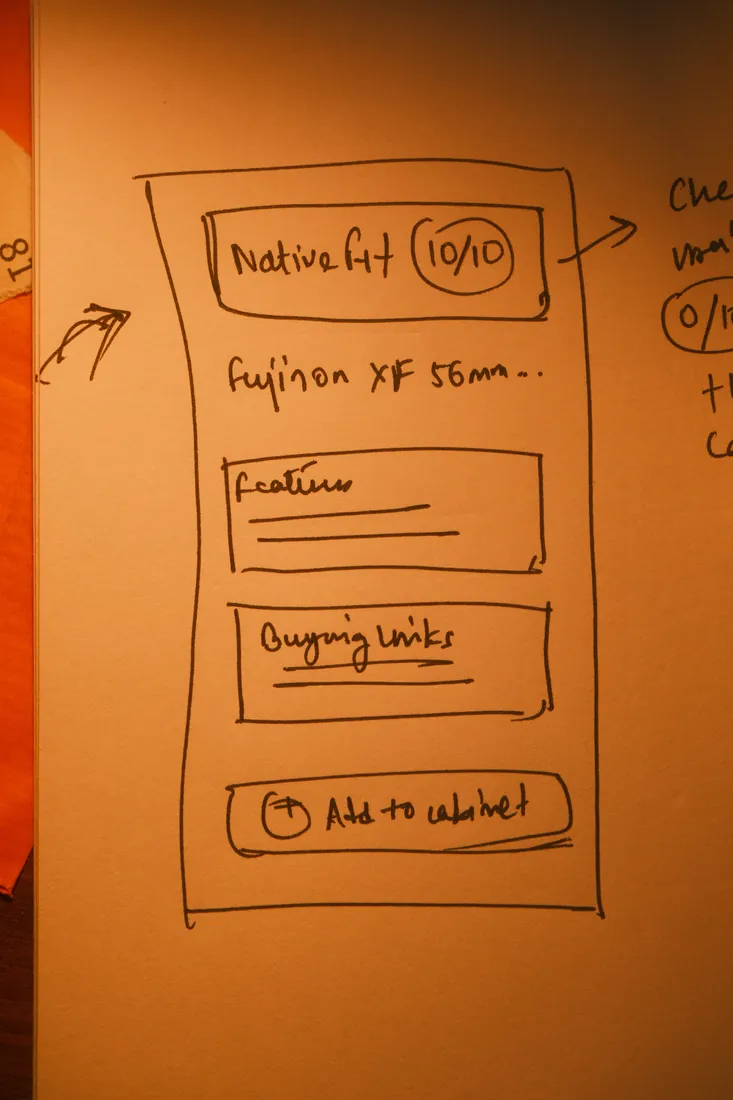
I created a bespoke algorithm designed to understand a given user's gear (and all the nuances that come with it) and check for those very nuances when they look up new gear. Arbor pairs a fast, structured inventory with an engine that understands how your gear relates. The aim was a single place that helps you decide, not just store. The core of it: a gear library, the compatibility relationships between items, rich product detail, smart categorisation, and purchase-decision support, all reachable from one home.
In the App
A closer look.
Search
Look up any body, lens, or card and instantly see how it fits the kit you already own. The answer is personal from the very first tap.
Cabinet
Everything you own, organised into one library: the record the compatibility engine reads from to make every answer yours.
Storage
Keep track of your cards and media, with capacity and compatibility at a glance, so you know what works before a shoot.
Where It Is Now
Peer review now, launch in January.
Arbor is in its peer-review stage right now, being refined over the coming months ahead of a launch planned for January 2027. The site is already open for waitlist sign-ups.
Join the waitlist at itsarbor.com